Icon Wizard 1.0
Magically add modifiers to any Font Awesome icon. Over 11 million possible combinations!
There's a new Icon Wizard
This page covers the original Icon Wizard 1.0. To stack, combine, and blend multiple icons into one custom composition, try the new Icon Wizard 2.0.What is the Icon Wizard?
The Icon Wizard is a subscriber feature that lets you add a modifier (like a slash, clock, gear, etc.) to any of our core Font Awesome icons (in our Classic and Sharp families). Need a second home? Create a house-circle-plus icon! Building something for the Rebel Alliance? Try a space-station-moon-slash icon!
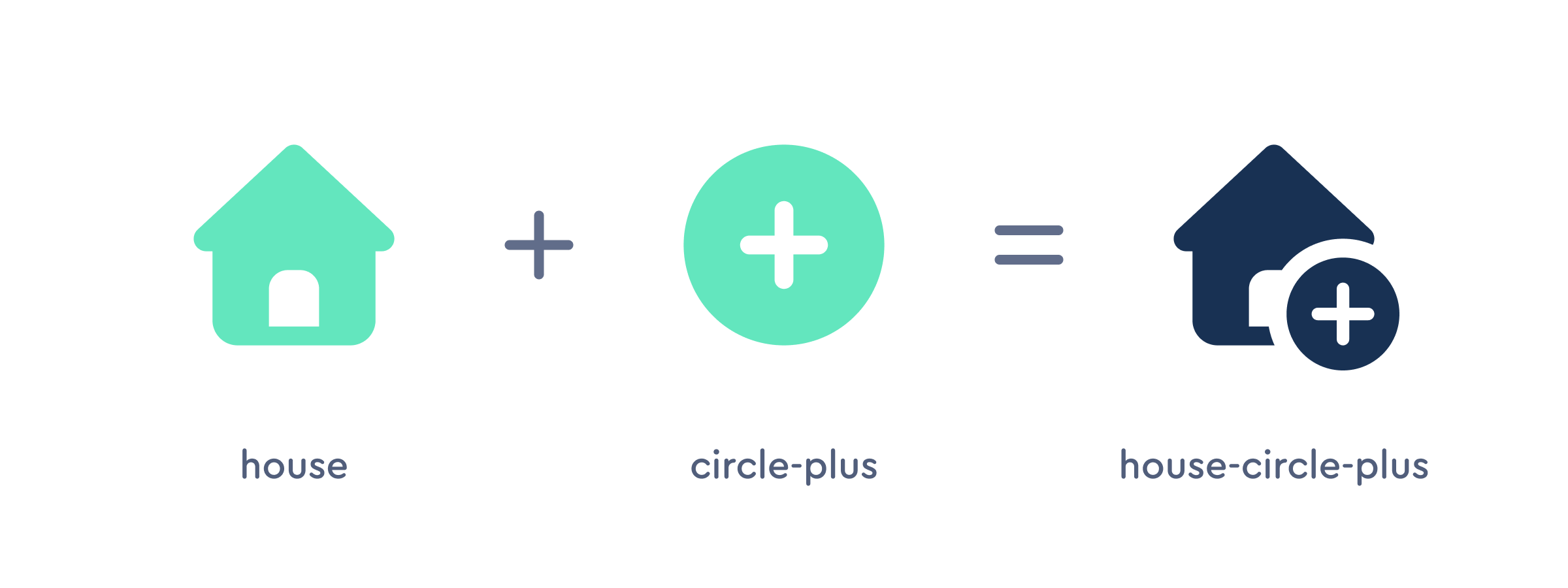 Creating combo icons with the Icon Wizard.
 Creating combo icons with the Icon Wizard.
 Modifiers come in multiple styles.
Mix and match icons with modifiers (there are multiple options available).
What modifiers are available?
There are over 40 custom modifiers you can use with the Icon Wizard, with more on the way! You can place modifiers on the bottom right or bottom left of an icon, and even create duotone versions for extra flair.
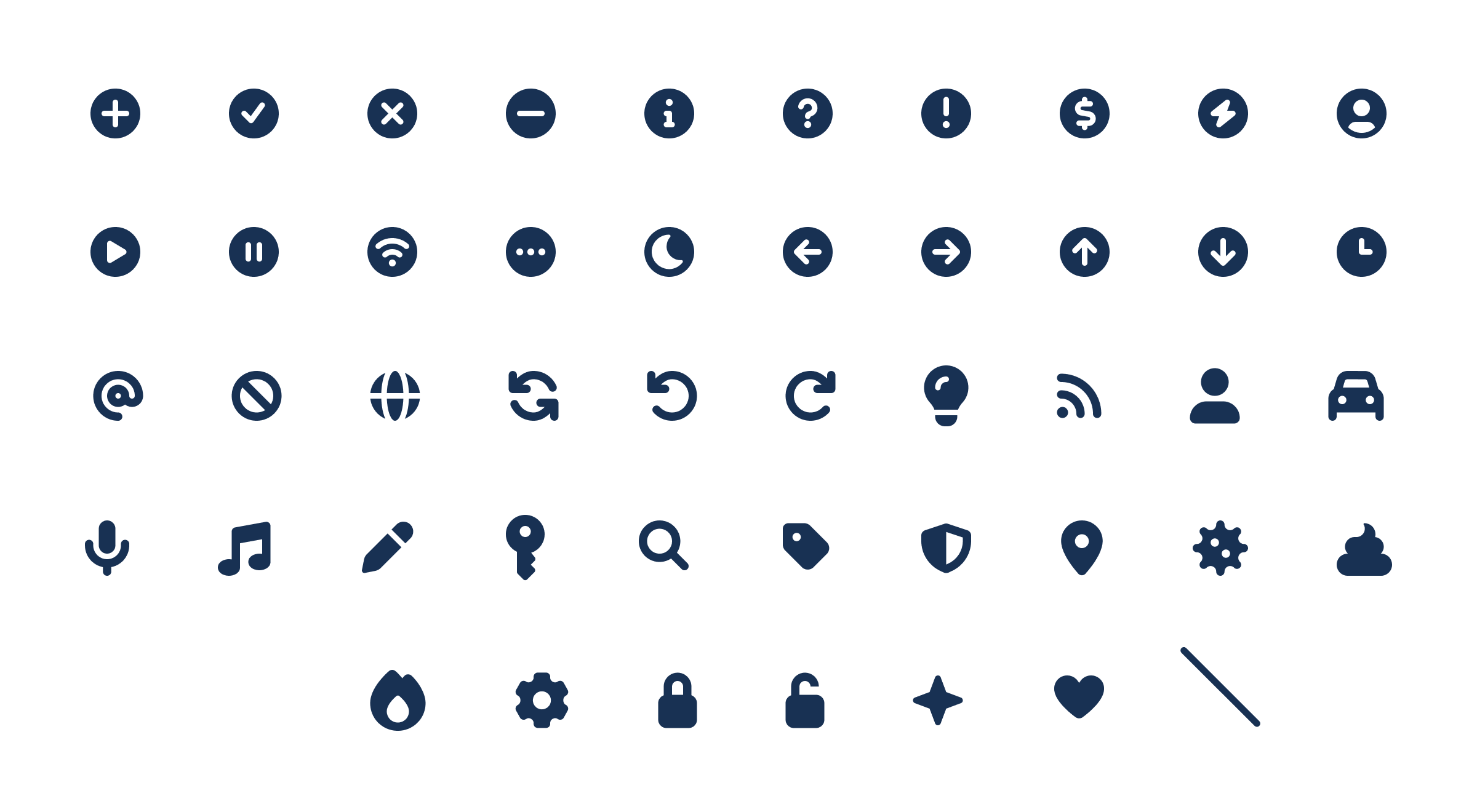 There are over 40 modifiers.
Can I combine any two icons together?
Not in Icon Wizard 1.0. Its modifiers are custom-designed at smaller sizes to stay legible and pixel-perfect alongside our core icons. If you want to stack and blend any icons into one, that's exactly what Icon Wizard 2.0 is built for.How do I use the Icon Wizard?
- Log into your active subscription and make sure you have at least one Kit set up.
- Search for an icon in our Classic or Sharp families. Open the icon you want, then click the Icon Wizard button.
- In the editor, choose a modifier, select its position, and optionally make it duotone.
- Pick a Kit from the dropdown and click Save to Kit.
- Your new icon will appear in the Custom Icons section of your chosen Kit.
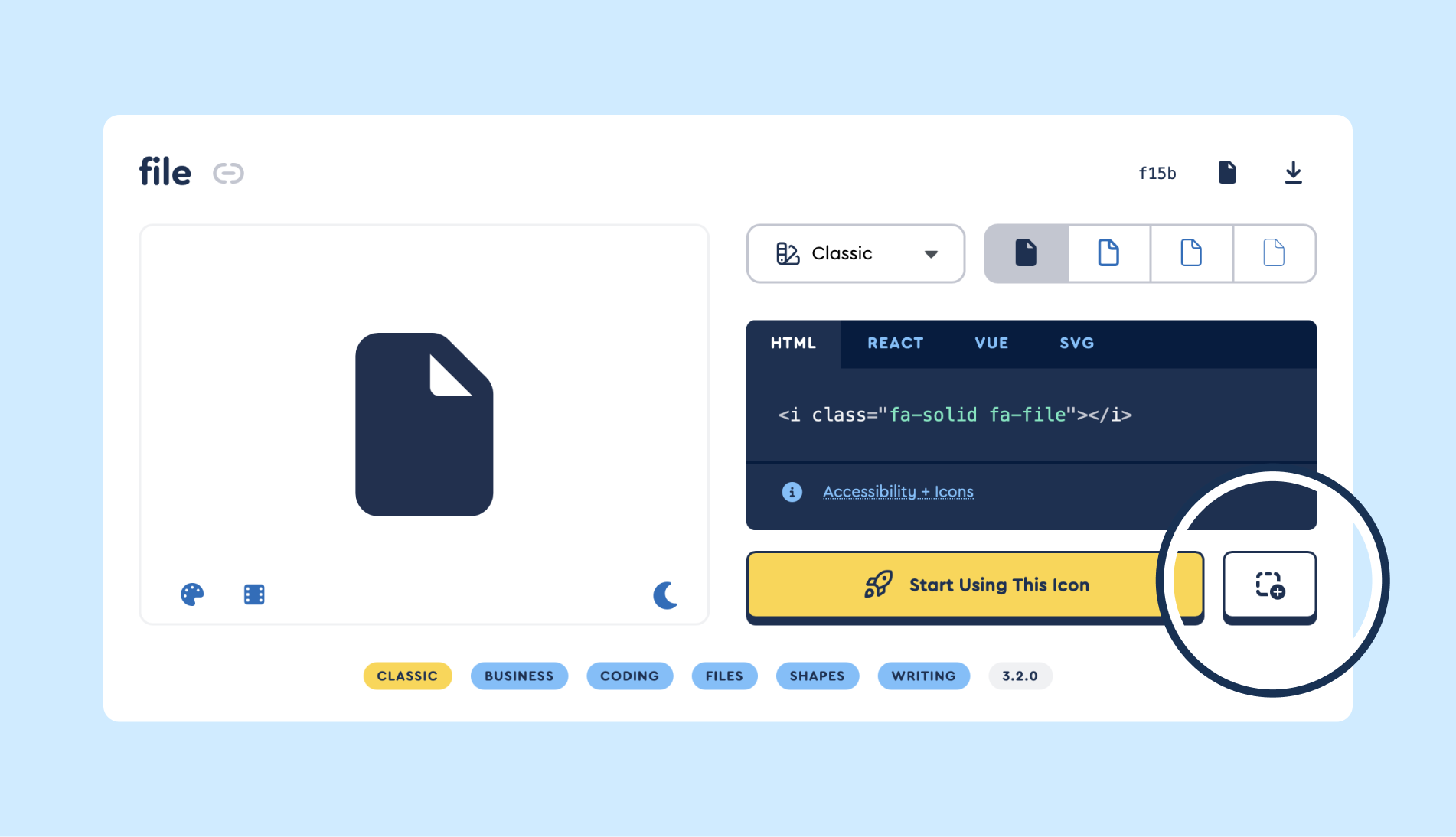 Open an icon modal and tap the Icon Wizard button.
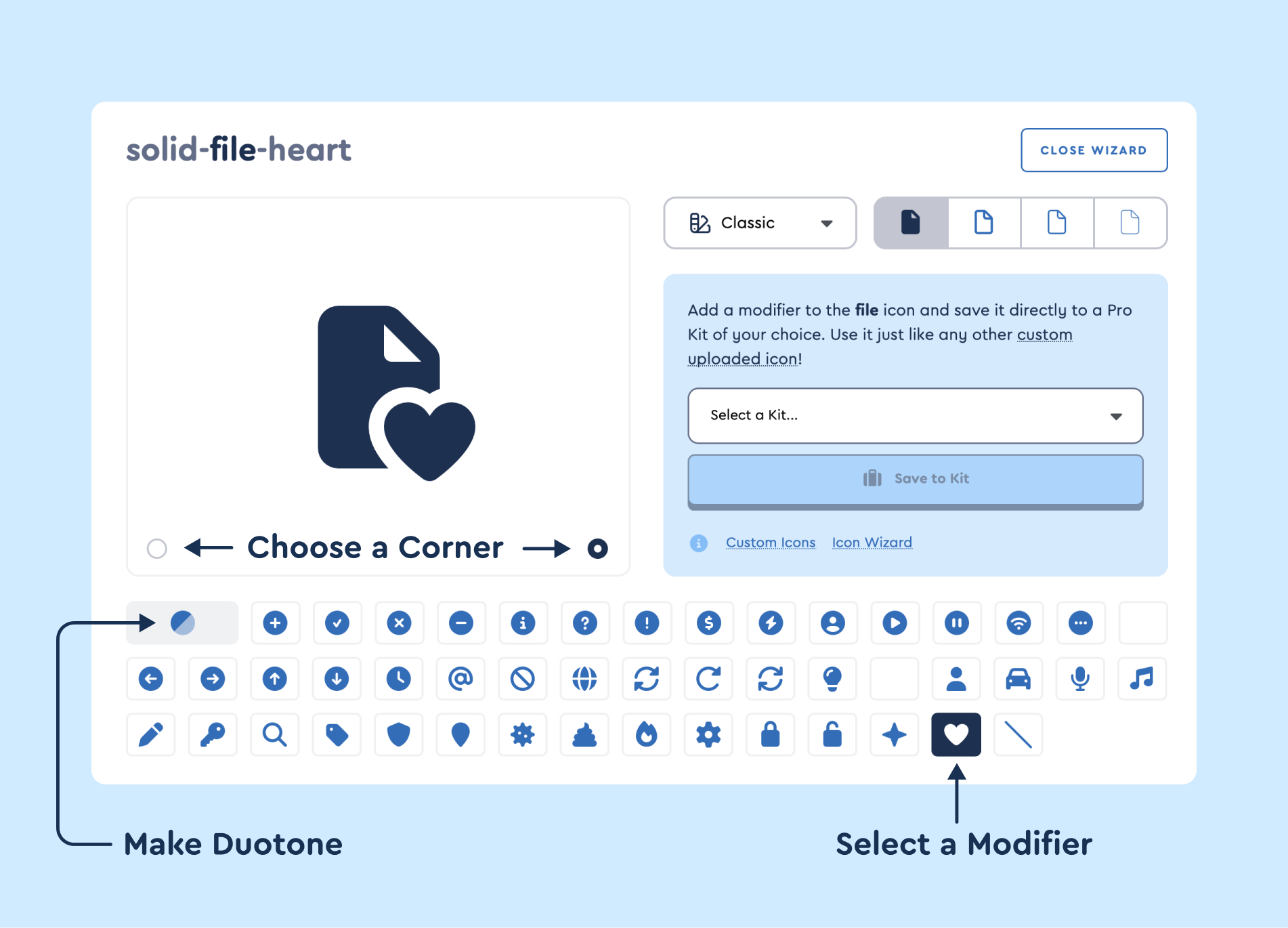 Select a modifier, choose a corner, and optionally make Duotone.
Using your saved icon
Your icon shows up in your Kit's Custom Icons and works just like any other uploaded icon: reference it with the fa-kit prefix, style it with the usual sizing, coloring, transforms, and layering, and use it as a pseudo-element.
<i class="fa-kit fa-solid-house-heart"></i>
Need a different name? Rename it from your Kit's Custom Icons anytime after saving. Just don't change the name or style directly in your code, which breaks the reference.